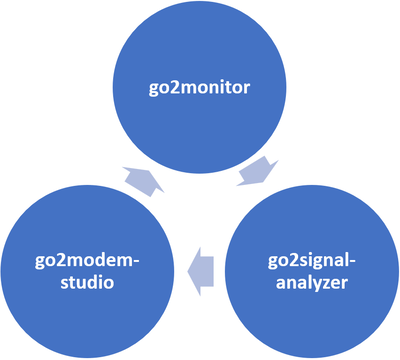
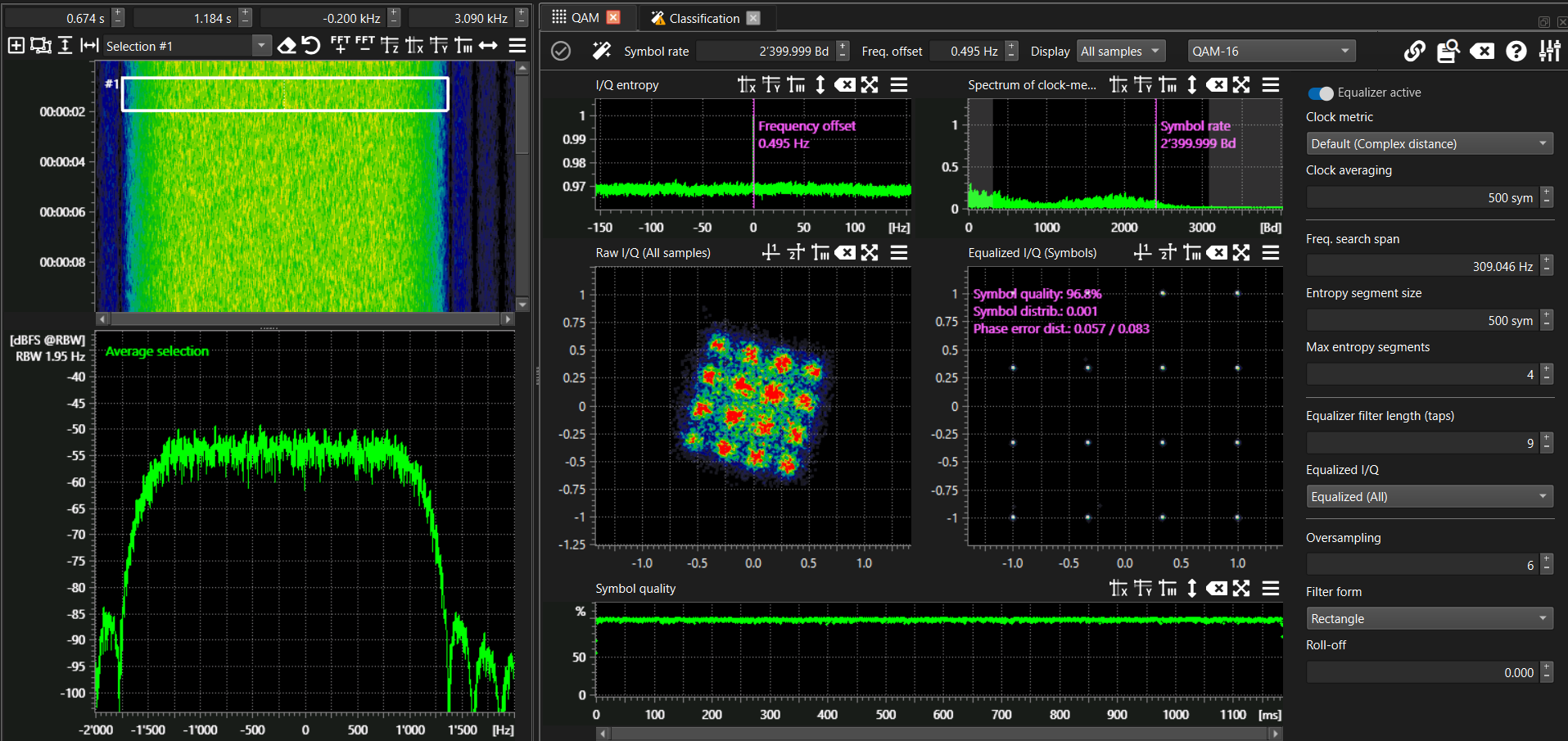
go2signal‑analyzer provides both manual and automated offline modulation analysis with a user‑friendly workflow. It gives analysts and operators fast access to all relevant modulation parameters through a set of predefined views—without requiring step‑by‑step configuration or manual setup of mathematical operators. The analysis results can be used to identify and document signals or to design new demodulators and decoders in go2modem‑studio for use in go2monitor.
Key Facts
Predefined analysis windows for fast, reliable results
Offline analysis with support for multiple file formats
Combines expert‑level analysis logic with your own operational knowledge
Easy to use—suitable for both beginners and experienced analysts
Simple signal selection by frequency and time range
Visualization tools: Waterfall, Spectrum, Histogram, Auto‑correlation, Constellation, Scatter, and more
Runs on standard COTS computer hardware
Why go2signal-analyzer?
go2signal‑analyzer is used when signals cannot be decoded with existing tools. It enables offline examination of recorded signals, and—when the demodulation parameters are known—supports the creation of new decoders using go2modem‑studio.
The software simplifies and accelerates the analysis of unknown modulations, helping users identify signals and shortening the development time for new decoders and detectors used in go2monitor.
It is designed for manual analysis of recorded emissions and provides a flexible toolbox of signal‑processing and visualization functions. Results are displayed in dedicated plots that reveal key signal characteristics and modulation parameters. The product also includes an expandable signal database.
To use the application effectively and interpret its results, users require a solid understanding of signal processing and modulation techniques.
Yours Solution For
Quick Analysis of Unknown Signals
Even non‑experts can analyze recorded signals in just a few steps.
Import the signal
Select a “good part” of the signal
Perform a classification
Depending on the result, use the special analysis screen to obtain further details
Check another part of the signal
Optimization and Evaluation of Demodulator Settings
Since the system supports bit‑level decoding, users can experiment with different demodulation parameters to achieve the best possible results.
Analyzing “Problem” Signals
Localization of disturbances caused by propagation effects (e.g., fading, noise, interference)
Detection of abnormal or deviating modulation parameters
Detection of irregularities or deviations in the bitstream